GTA Online has one of the most punishing grind loops in modern gaming. You can spend 10 hours running the same missions just to afford a mid-tier car, and that's before you factor in griefers blowing up your cargo. The frustration is real, and it's why so many players look for mods to speed things up. But here's the problem: most mod advice online either points you toward risky cheats that can get your account banned, or vague tips that don't actually save time. This article cuts through that noise. You'll learn exactly which mods and strategies are worth your time, how to compare them, and how to pick the right one for your play style.
Table of Contents
- How to choose the best time-saving mods
- Top mod picks: Efficiency boosters for GTA Online
- Comparison table: Which mods deliver the most value?
- Situational picks: Mods for different player needs
- Our take: Safe time-saving beats risky shortcuts
- Find your next safe GTA Online mod with SnagzShop
- Frequently asked questions
Key Takeaways
| Point | Details |
|---|---|
| Safety first | Always choose mods that don’t alter GTA Online or access game files directly to avoid bans. |
| Smart optimization | Performance tuning and mission planning save more time than risky mods. |
| Pick the right tool | Solo players should use route planners and loadout mods for maximum efficiency. |
| Compare before buying | Use comparison tables to weigh ease of use, safety, and cost across mod options. |
| Shop trusted sources | Verified sites like SnagzShop offer reliable, safe mods with ban warranties. |
How to choose the best time-saving mods
Not all mods are created equal. Some promise the world and deliver a ban. Others are subtle, smart, and genuinely shave hours off your grind. The key is knowing what separates a useful mod from a dangerous one before you install anything.
The safest mods are the ones that work around GTA Online rather than inside it. Think of it this way: mods that touch your PC's performance settings, help you plan missions faster, or organize your inventory never talk to Rockstar's servers. They just make your setup more efficient. Mods that inject into the game's network traffic or alter server-side files are a completely different story. Those are the ones that get accounts flagged.
Here's what to look for when evaluating any mod:
- Mission planning tools: These help you map out objectives, spawn points, and routes before you load in, cutting down wasted time mid-mission.
- Performance optimizers: Frame rate boosters, RAM cleaners, and graphics presets that reduce lag without touching game files.
- Inventory managers: Tools that let you pre-set loadouts and item shortcuts so you're not fumbling through menus during a heist.
- Session filters: Utilities that help you find low-population lobbies or set up invite-only sessions faster.
- Stat trackers: Dashboards that show your earnings per hour so you can identify which missions actually pay off.
Always check three things before downloading: the mod's source reputation, whether it requires game file access, and whether other players have reported bans after using it. As one
puts it, you should prioritize mods that don't alter GTA Online directly to reduce account risk. You can also browse safe GTA 5 mods to see vetted options that skip the guesswork entirely.Pro Tip: Match your PC's graphics settings to your internet connection speed. Running ultra graphics on a slow connection creates lag spikes that eat mission time. Drop to high or medium and watch your session stability improve.
Top mod picks: Efficiency boosters for GTA Online
With clear selection criteria in mind, let's break down the best mods and tools for real-world time savings. These aren't flashy cheats. They're practical tools that make every session faster and less frustrating.
Mission planner overlays are arguably the most underrated category. These tools display objective markers, enemy spawn patterns, and optimal routes on a secondary screen or overlay. You go in prepared instead of figuring things out on the fly. That alone can cut mission completion time by several minutes per run.
Performance tuning scripts are another strong pick. These run outside the game and optimize your CPU and GPU allocation before you launch GTA Online. Less stuttering means faster load times and smoother driving, which directly affects how quickly you complete time-sensitive missions.
Loadout shortcut tools let you pre-configure your weapon and armor setup. Instead of opening five menus before every mission, you hit one button and you're ready. Small time saves stack up fast across a long session.
"Performance tweaks and mission planners are widely recommended for safety and efficiency." This insight from a YouTube review on GTA Online performance tuning reflects what experienced players consistently report: the boring, technical stuff saves more time than any cheat ever could.
Here are the top categories ranked by real-world impact:
- Route and mission planners (highest impact, zero ban risk)
- PC performance optimizers (high impact, completely external)
- Loadout and inventory shortcuts (medium impact, session-level tools)
- Session management utilities (medium impact, helps avoid griefers)
- Stat and earnings trackers (lower direct impact, but improves decision-making)
If you want a guided setup, check out this mod installer guide that walks you through the process without the technical headaches.
Pro Tip: Switch to an invite-only session when running cargo or prep missions. You eliminate griefing losses entirely, and your missions complete faster because no one is interfering. It's the single easiest time-saver available to any player.
Comparison table: Which mods deliver the most value?
To help you weigh your options, here's a clear side-by-side comparison of the top picks. Use this to match a mod to what matters most to you, whether that's safety, speed, or cost.
| Mod type | Main features | Avg. mission time saved | Safety rating | Cost |
|---|---|---|---|---|
| Mission planner overlay | Route mapping, spawn tracking | Up to 20% | Very high | Free to low |
| PC performance optimizer | CPU/GPU tuning, lag reduction | Up to 15% | Very high | Free to low |
| Loadout shortcut tool | Pre-set weapons and armor | Up to 10% | High | Free |
| Session manager | Lobby filtering, invite-only setup | Up to 12% | Very high | Free |
| Stat and earnings tracker | Earnings per hour, mission data | Indirect | Very high | Free |
Stat callout: Efficient route planning and safe performance tweaks can save up to 30% of your total mission time when stacked together. That's not a small number. Over a four-hour session, 30% back means roughly 72 extra minutes of productive gameplay.
The mission planner overlay wins on pure time-saving impact. The PC performance optimizer is the safest bet for players who are especially ban-wary because it never touches GTA files at all. If you're on a tight budget, every option in this table is free or nearly free, which means your only real investment is setup time.
For players who've already had account issues or want extra protection, reviewing account recovery options is worth a few minutes before you commit to any mod setup.
The comparison also shows something important: no single mod does everything. The biggest gains come from stacking two or three of these tools together. A mission planner plus a performance optimizer plus an invite-only session setup is a combination that most griefer-heavy, lag-prone sessions simply can't compete with.
Situational picks: Mods for different player needs
After seeing the comparison, let's match each mod or strategy to your unique gaming needs. Your play style matters more than any single mod's feature list.
For solo grinders:
- Start with a mission planner overlay. Solo play means no one to cover your mistakes, so preparation is everything.
- Add a PC performance optimizer to eliminate lag during timed missions.
- Use invite-only sessions exclusively. You're not missing out on anything by avoiding public lobbies.
- Track your earnings per hour with a stat tool so you can cut low-paying missions from your rotation.
For group players:
- Focus on session management utilities that help your crew find clean, low-population lobbies fast.
- Use loadout shortcut tools so everyone is geared up and ready before the mission countdown ends.
- Assign one player to run a mission planner overlay and share the route with the group before loading in.
- Rotate roles based on stat tracker data so the fastest players handle the most time-sensitive objectives.
For budget-focused players:
- Every tool in this guide has a free version. Start there before spending anything.
- Prioritize the invite-only session setup first since it costs nothing and immediately cuts griefer losses.
- Layer in a free performance optimizer next for the second-biggest time gain.
As noted in a YouTube review on GTA Online performance tuning, solo players benefit most from route planners and loadout mods, while group players gain speed from efficient session management. That split is worth keeping in mind when you're deciding where to start.
Pro Tip: Prep your inventory and outfits before you launch a mission, not during. Every second you spend in menus mid-mission is a second the timer is running. Build a pre-mission checklist and stick to it.
Our take: Safe time-saving beats risky shortcuts
Here's our honest opinion after watching hundreds of players cycle through mods, get banned, and start over from scratch. The pattern is always the same: someone finds a cheat mod that promises fast cash or instant stats, uses it for a week, and loses an account they spent months building. The math never works out in their favor.
Legitimate time-savers don't have that downside. A mission planner doesn't get you banned. A performance optimizer doesn't trigger Rockstar's anti-cheat. These tools build smarter habits and make every session more enjoyable without the anxiety of wondering if today is the day your account disappears.
The uncomfortable truth is that most players underestimate how much time they waste on fixable problems. Lag, poor mission selection, and no pre-planning are responsible for more wasted hours than any grind mechanic Rockstar designed. Fix those first. As confirmed by real gamer insights and backed by a YouTube review on GTA Online performance tuning, legitimate, non-altering mods offer efficiency and avoid bans. That's the foundation everything else should build on.
Find your next safe GTA Online mod with SnagzShop
If you've read this far, you already know what separates a smart mod choice from a risky one. The next step is finding a source you can actually trust to deliver.
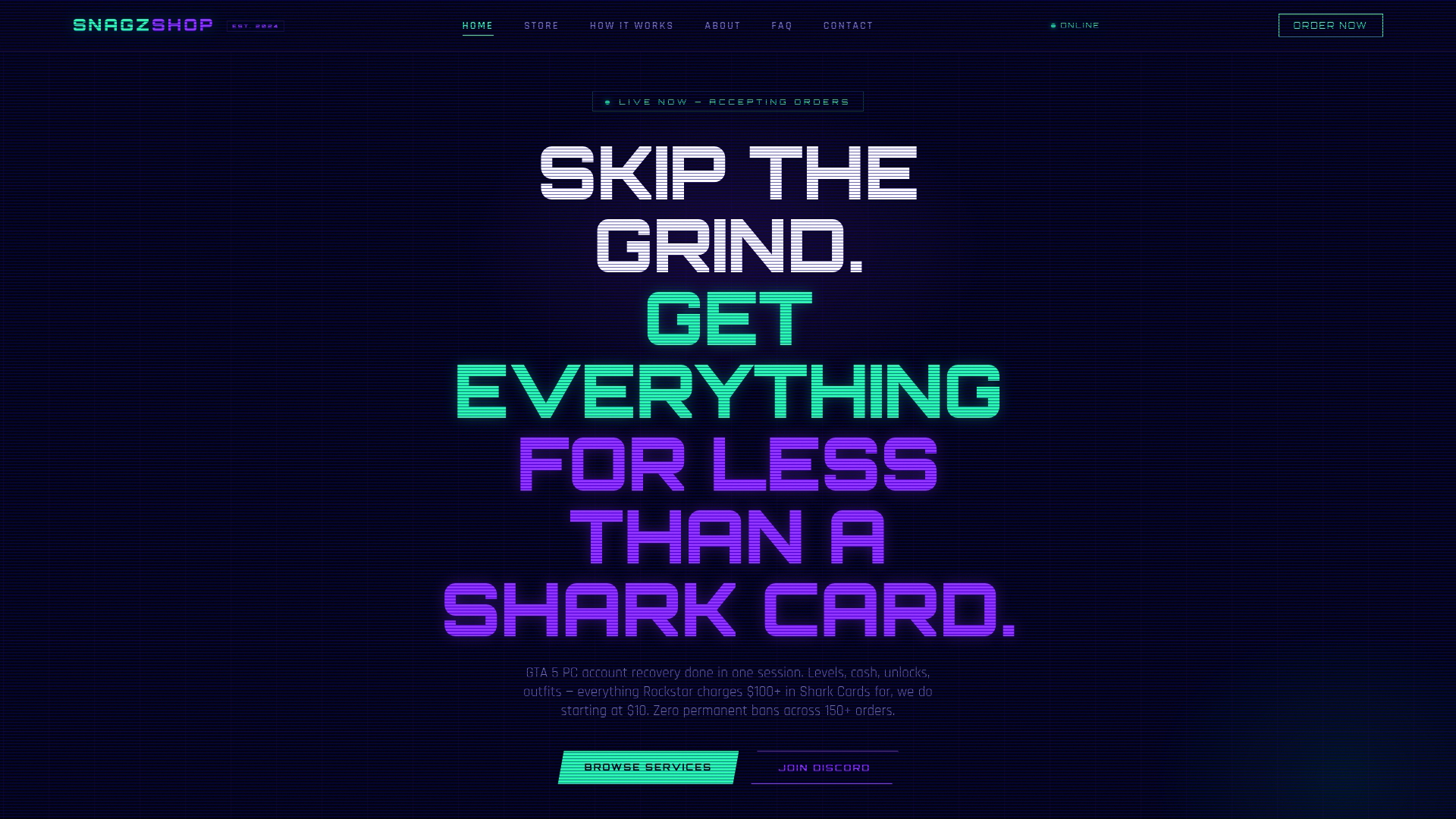
SnagzShop specializes in fast, safe GTA mods that cover everything from level boosts and modded outfits to vehicle add-ons and stat unlocks. Every order comes with a ban warranty, completes in 5 to 30 minutes, and is handled directly through Discord so you always know what's happening. Over 150 customers have used SnagzShop with zero account losses. If you want real results without the guesswork or the risk, this is where to start.
Frequently asked questions
Are time-saving mods allowed in GTA Online?
Mods that do not alter GTA Online's files or network interactions are generally safe, but always check Rockstar's official guidelines. As noted in a YouTube review on GTA Online performance tuning, safe mods prioritize performance without altering files.
What's the biggest risk with using mods?
The biggest risk is getting banned for using mods that impact GTA Online directly, so stick to tools that optimize your PC or session setup instead. Cheat mods and direct file changes consistently pose the highest ban risks according to player community reviews.
How much time can safe mods actually save?
Efficient mods and strategies can cut mission grind by up to 30% without risking your account. Safe performance tweaks stacked with mission planners produce the biggest combined savings.
What's the best strategy for solo players?
Solo players should focus on route planners, loadout mods, and invite-only sessions to maximize speed and safety. Solo players benefit most from planning tools and performance settings rather than session-based utilities.
Where can I find safe, verified mods?
Trusted mod shops like SnagzShop focus on safe, reliable modding options with a ban warranty included on every order.